
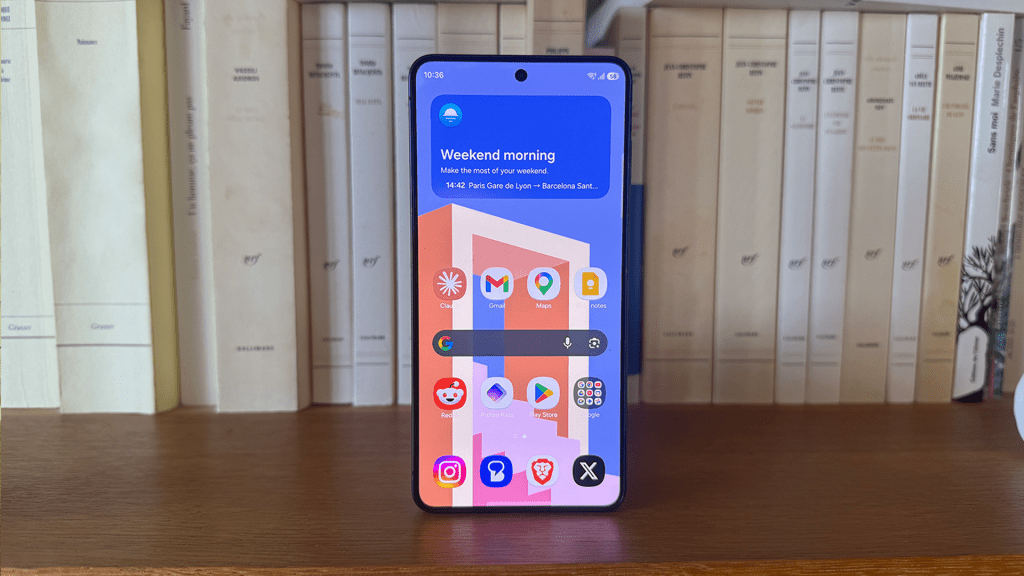
There are good reasons to uninstall apps and tidy up your device every now and then. Not only can it reduce clutter on your home screen, but it can improve your smartphone’s performance and longevity.
Here, we explain exactly how your device can benefit from a good clear-out.
1. Get rid of bloatware
The first reason mainly applies to new devices, especially when setting up a smartphone from scratch. Unfortunately, manufacturers increasingly ship devices with bloatware and unnecessary apps that reduce available storage space.
This is particularly important if you only have 128GB (or even less) storage available. So, first off, uninstall all the apps that the manufacturer has pre-installed on your smartphone that you’ll never use.
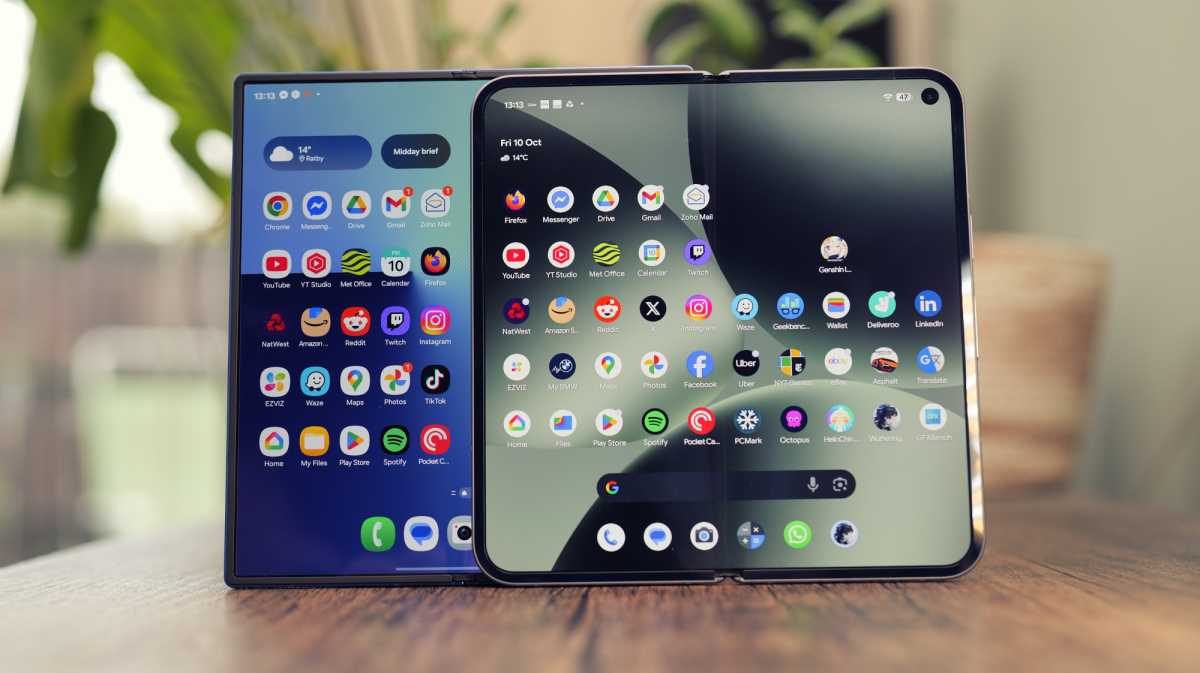
Tip: It’s best to check which system apps aren’t needed. Don’t get rid of anything you’re not absolutely sure about. Still, just because the manufacturer wants you to use them, doesn’t mean they’re essential. But it does mean that they’re not always easy to find and disable. On some devices, doing so can free up several GB of storage.

Luke Baker
2. Free up storage
The second reason should be obvious: the fewer apps installed on your device, the more storage you have for other things. For example, for photos or videos you want to keep on your smartphone rather paying for cloud storage.
But more freed-up storage also means your smartphone will perform better overall. You’ll notice this most of all when storage is already running low and everything suddenly feels sluggish and slow. If you clear out the clutter, you’ll quickly realise what a difference it can make.
3. Reduce battery consumption
Uninstalling apps can not only improve your device’s performance but also ensure it uses less battery power. This is mainly because more and more apps feel the need to drain the battery in the background, even when not actively in use.
The usual suspects here are messaging and social media apps, but also sat-nav apps or apps that frequently send notifications. Take mobile games, for example, which constantly pester you to log in and collect daily rewards.
Uninstalling apps you no longer use can reduce battery consumption and help your smartphone last longer.

Chris Hall / Foundry
4. Less clutter, more focus
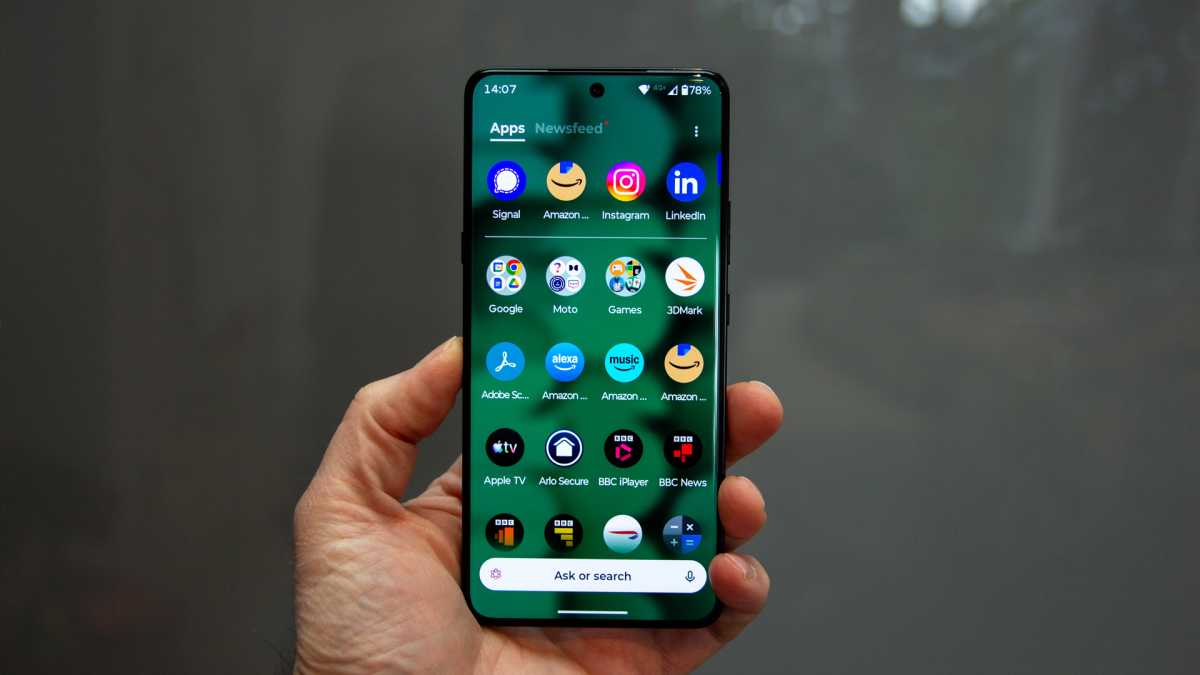
If you look at your smartphone and immediately feel stressed by the sheer number of apps, notifications and visual stimuli, you might consider giving your home screen a thorough clear-out. Often, lots of apps accumulate here, vying for your attention, and at some point you might find yourself scrolling through them mindlessly.
Why not try a digital detox: keep only the bare essentials on your phone to stay in touch with friends and family, a few relevant apps for banking, navigation or fitness – that’s often all you need.
You won’t miss what you don’t need once you’ve gone a few days without seeing or using it. And suddenly your mind will feel much clearer.
5. Greater security
Uninstalling apps can actually improve security on your device. When you look at how many ‘legitimate’-looking apps from the Google Play Store eventually turn out to be malware distributors, it’s enough to give you the creeps.
If you tend to install new apps every now and then out of curiosity and then forget about them, you might want to do something about it. Because when Google identifies an app as malicious and removes it from the Play Store, it doesn’t automatically disappear from your device. You have to take action yourself.
There are also apps whose developers may not have malicious intentions, but who haven’t updated the apps for a long time. If these apps contain security vulnerabilities, they can become gateways for hackers. So that’s one more reason to avoid keeping unnecessary apps on your device for too long.
Recommended reading: If your Pixel is suffering from battery drain, this may be why.