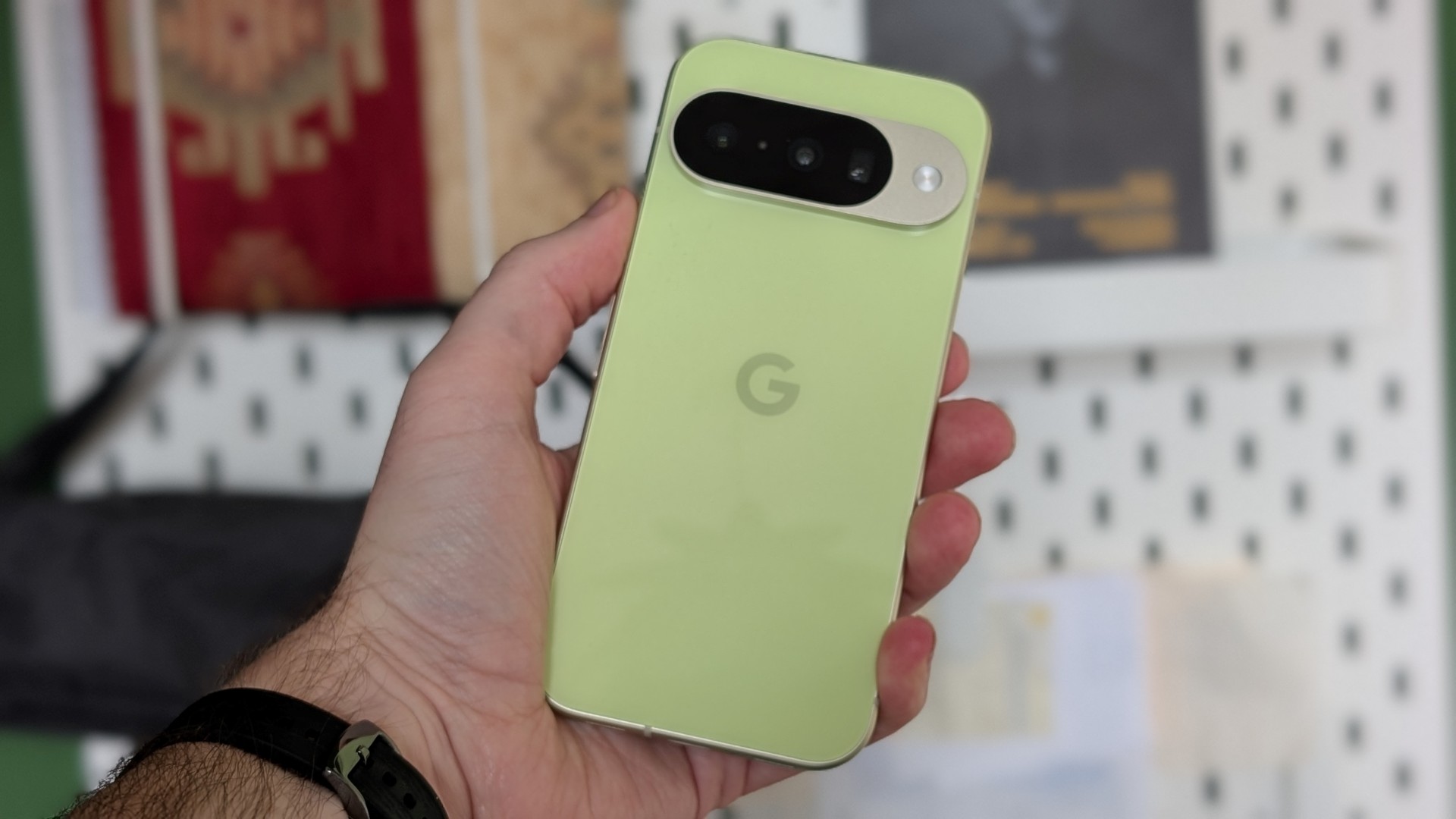



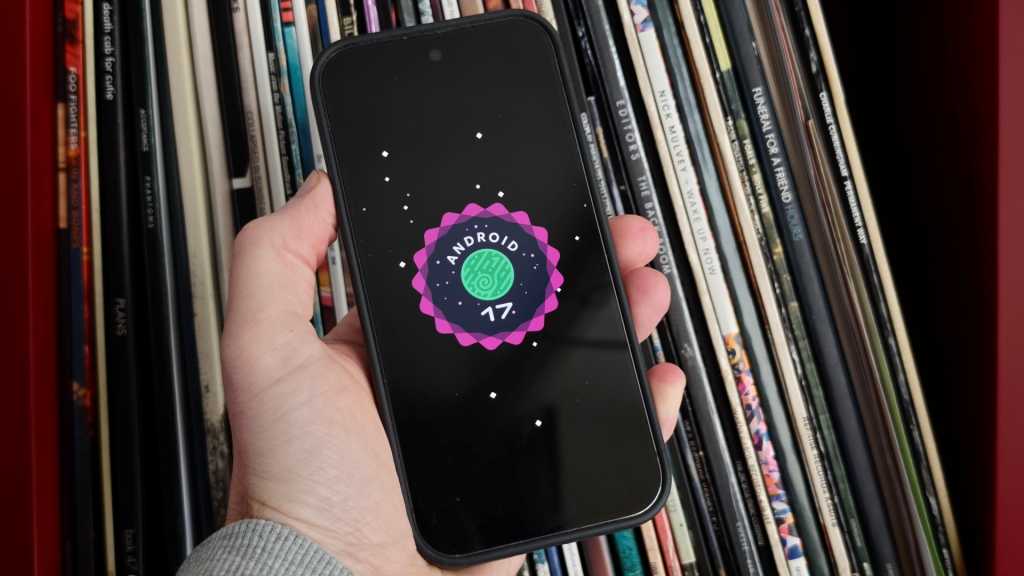

After all the betas and glossy Google I/O reveals, Android 17 is finally here for anyone with a Pixel phone. The new mobile operating system is rolling out now to Pixel phones, alongside a feature-packed June Pixel Drop.

The core OS upgrade will eventually come to all compatible Android phones, but the June Pixel Drop is the next in Google’s quarterly release of exclusive features for Pixel users.
Here are some of the key upgrades and best news features that Google Pixel owners can expect from Android 17 once that meaty 1.54GB update finishes. You can get it if you have a Pixel 6 or later.
Improved multitasking with Bubbles
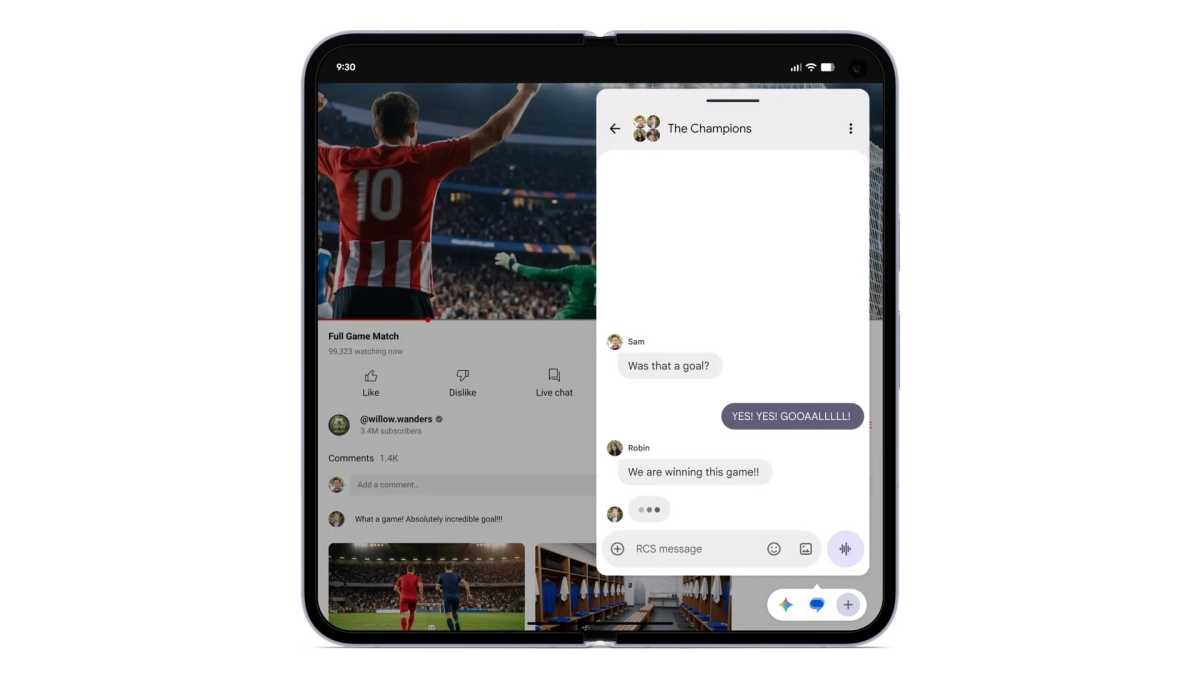
Android 17 adds the ability to turn open apps into distinct bubbles – essentially desktop-like windowed apps that float over other apps in the background – with a long press of the app icon.
This seems particularly focused on large-screen devices such as tablets and (particularly) foldables, where these bubbles will be docked in a bar at the bottom of the screen. From here you can switch between and resize open bubbles.
Content creator-friendly Screen Reactions
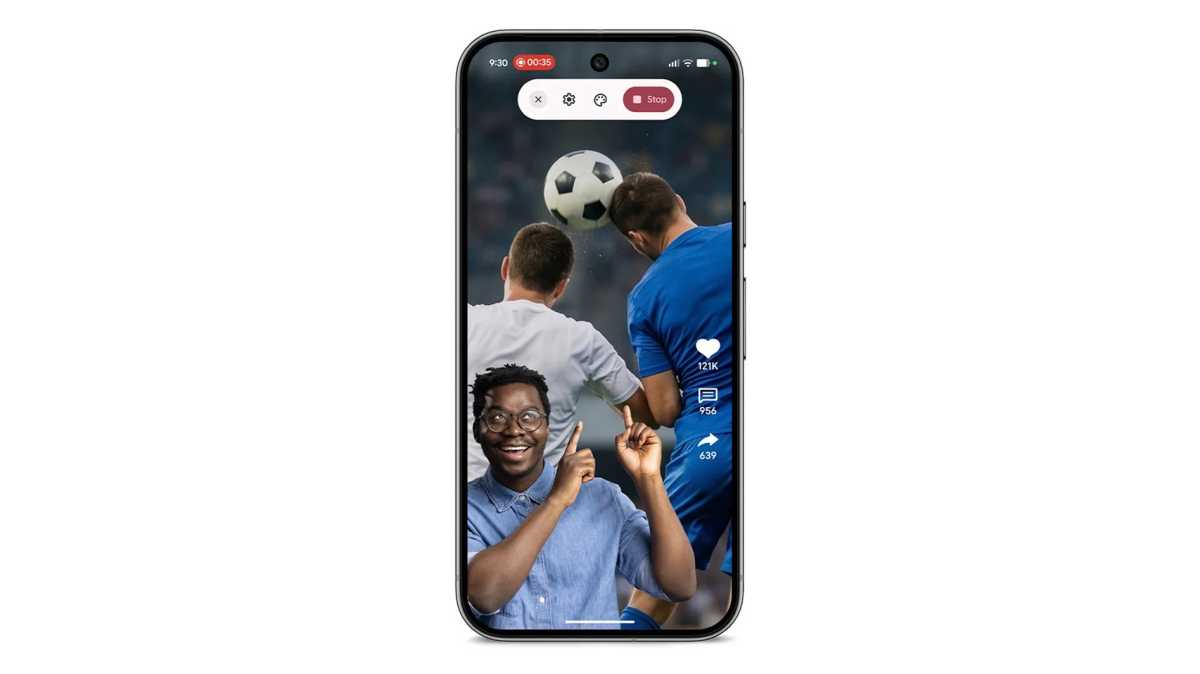
Google is dangling a carrot to would-be content creators and over-sharing types with the new Screen Reactions feature. This addition to the existing screen recording tool will superimpose a live view of your head (via the selfie cam, naturally) over whatever’s on your screen.
In this way, you’ll be able to react to web content, message threads and the like without any fiddly green screen or video editing software.
Gaming enhancements
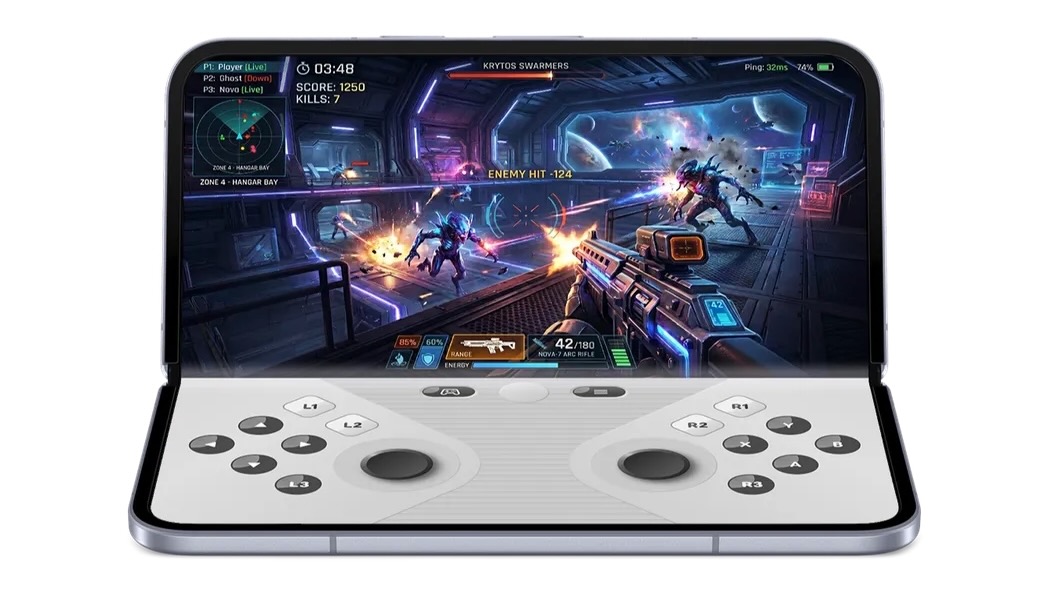
Gamers are included in the list of Android 17 beneficiaries, particularly if they own a foldable device like the Google Pixel 10 Pro Fold.
In the coming months, Google says that it will add a virtual control pad that sits on the bottom half of the larger internal display (when held in landscape), while gaming content is displayed on the top half.
Elsewhere, native controller remapping is now supported, while Google says that gaming performance issues such as frame drops and stutters have been reduced through more efficient memory cleanup.
Security improvements
Google is improving security and safety with Android 17, such as the ability to grant an app temporary access to your precise location, or the ability to share only specific contacts with an app.
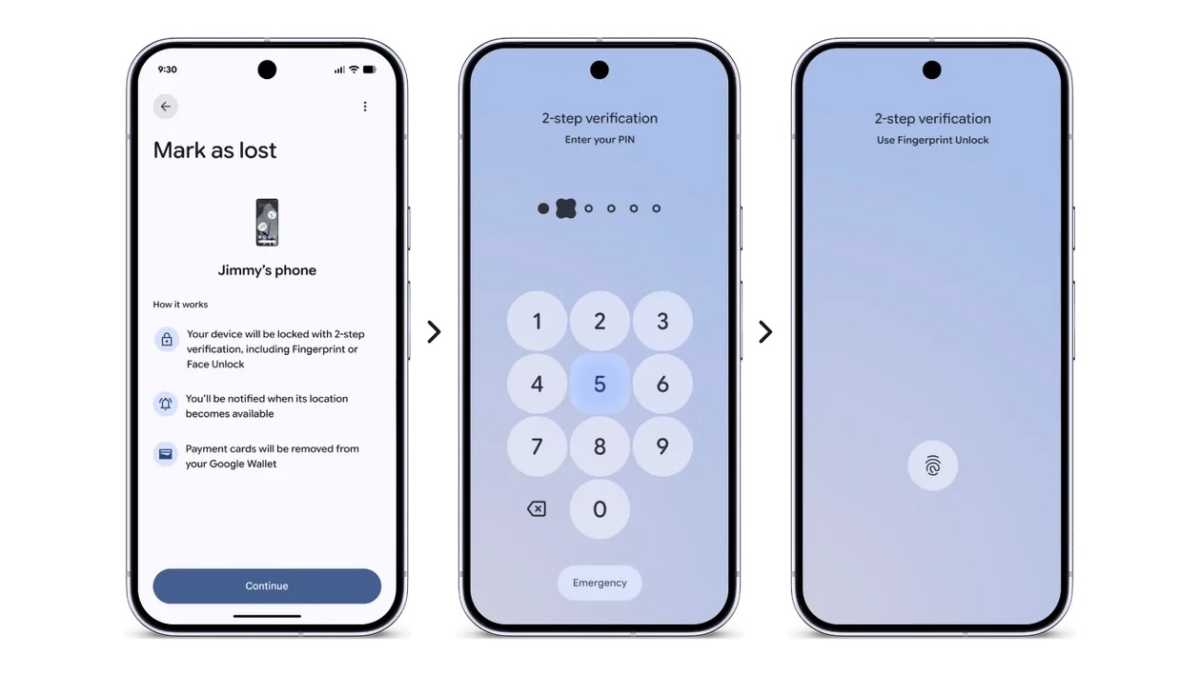
Over in the Find Hub, it’s now possible to lock a missing phone behind a biometric approval process, so even if a thief knows your passcode they can’t gain access.
Thieves get fewer attempts to guess said passcode too, while the wait between attempts is now longer.
Gemini app AI improvements
The Gemini app is gaining some major enhancements in Android 17. Gemini Omni now lets you create videos through simple natural language and image prompts, and also lets you drop yourself (or a custom AI avatar) into said video.
It’s also possible to create original music using similar prompts.
More love for older Pixels
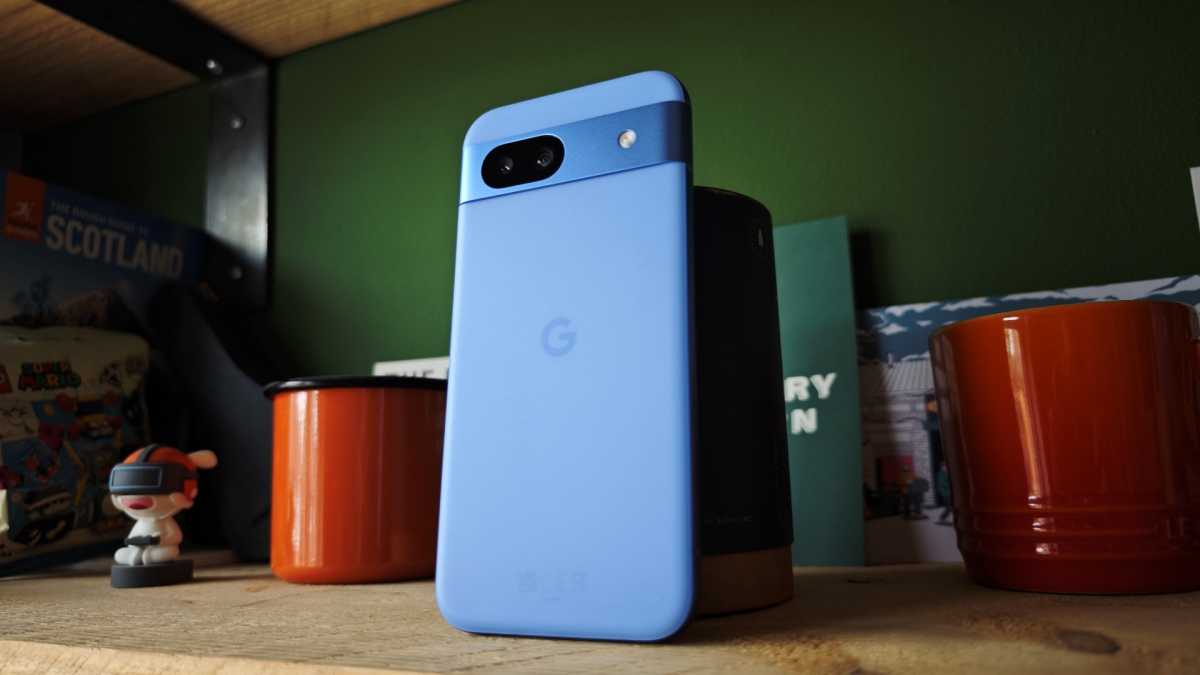
Google is bringing more of its features to older Pixel devices. So, AirDrop support in Quick Share is coming to the Pixel 9a and Pixel 8a.
Voice Translate real time phone call translations are also now coming to the Google Pixel 10a.
Chris Martin / Foundry
More love for Europe and the rest of the world
Finally, conversational editing in Google Photos is available across the UK, Germany, France, Spain, and Italy. Take a Message is now available in more territories, too.
Magic Cue coming to third party apps
Magic Cue’s contextual, time-saving suggestions are coming to Snapchat on Google Pixel 10 devices within the next few weeks.