


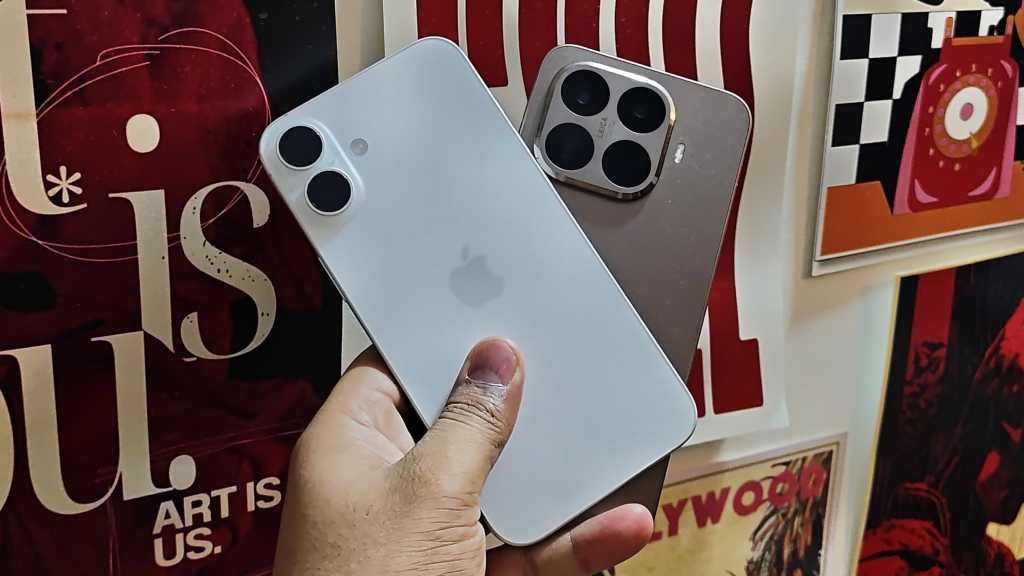

I’ve been using an iPhone for the past five years.

The most recent of these is the iPhone 16, and alongside it, I’ve been testing a lot of Android phones because of the nature of my job.
Every time I used an Android phone, I found myself wanting to switch, but I never did. I kept thinking I’d miss the ecosystem.
I use a MacBook, which is a fantastic device, and an Apple TV, which is equally good, and the interconnectivity between the iPhone and these devices is something I genuinely like. Features such as AirDrop, iPhone mirroring, and tight iCloud integration mattered to me, and they were probably the biggest reasons I stayed with an iPhone for so long.
That changed after trying Android flagships like the OnePlus 15 and the Xiaomi 15T Pro. I realized that everything I can get for a similar price makes it worth giving up some of the nice-to-have convenience features like AirDrop.
Luke Baker
Hardware features like all-day battery life and super-fast charging matter a lot more, and Android phones deliver on that. As it turned out, the features are still something you can replicate one way or another.
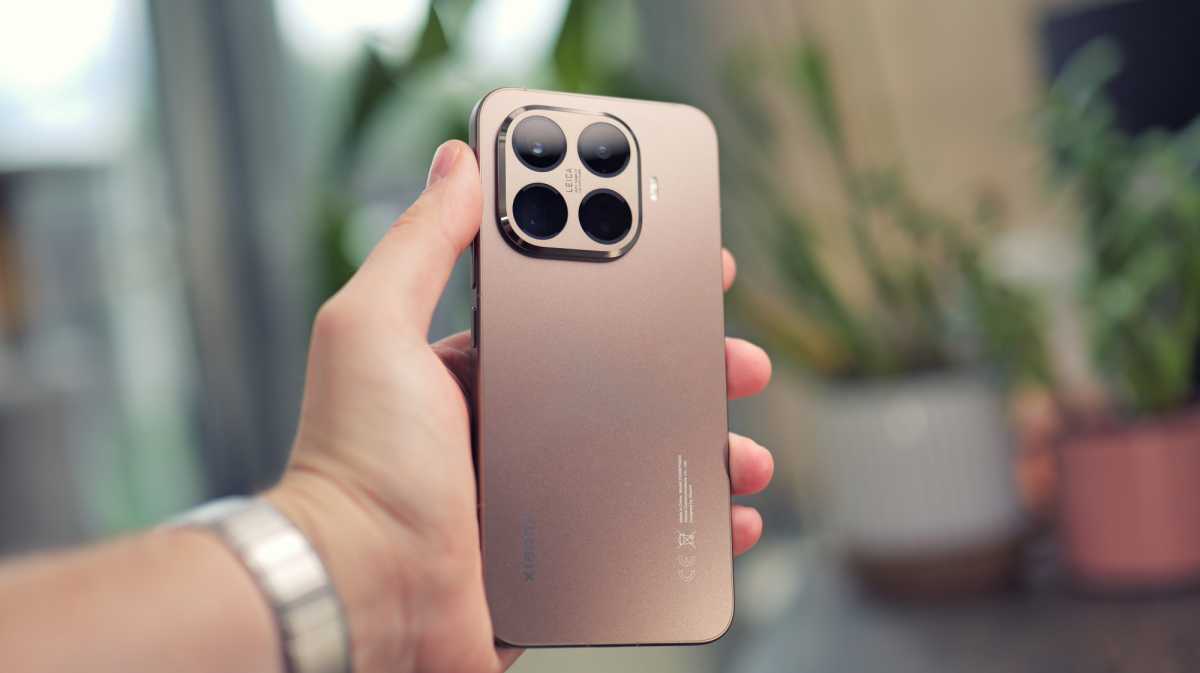
So, I took the plunge and switched to the Xiaomi 15T Pro as my primary phone, leaving behind the pull of the Apple ecosystem. I was fearing the worst, but honestly, the experience hasn’t been bad at all.
Superior hardware over software any day
I am a firm believer that hardware comes before software. No matter how good the software experience is, or how seamless the interconnectivity between ecosystem products feels, if the underlying hardware is lackluster, the overall experience is going to suffer.
Apple, however, seems to have focused more on the latter, at least with its non-Pro iPhones. The company has built a tightly controlled “walled garden,” where the convenience of interoperability between the iPhone, Mac, iPad, Apple Watch, and AirPods creates a high-friction barrier to exit.
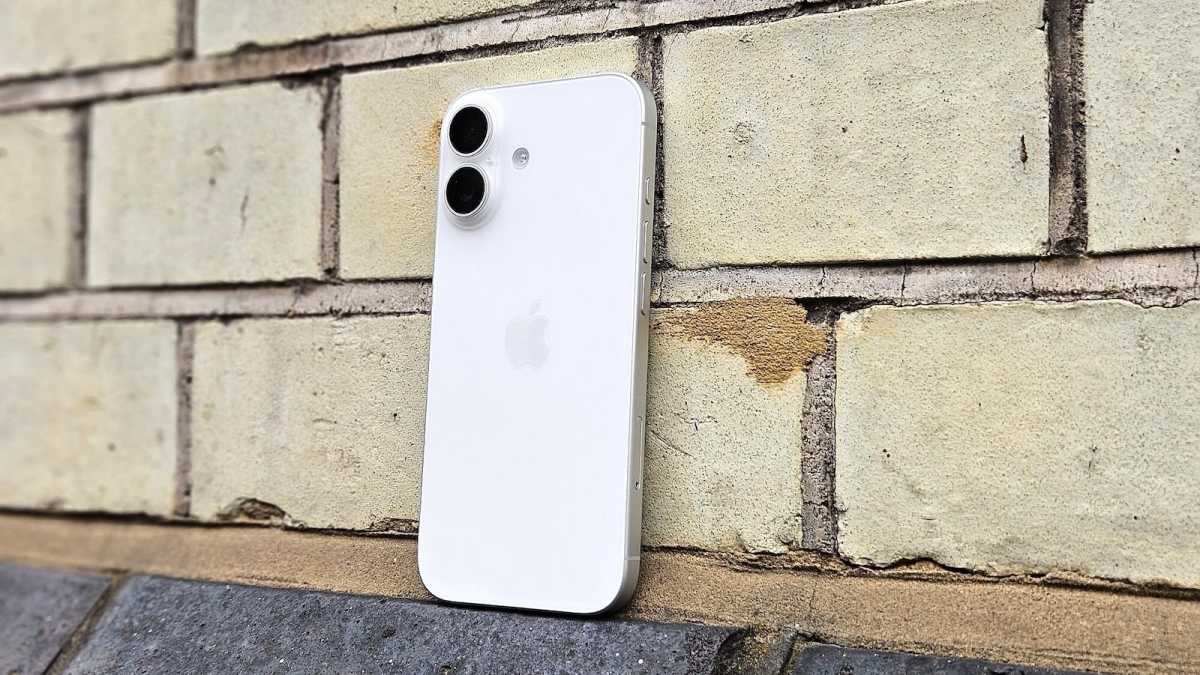
To Apple’s credit, it has made meaningful improvements to the non-Pro iPhones with the latest generation. The iPhone 17 brings notable upgrades over the iPhone 16.
Emma Rowley / Foundry
The standard models finally get a 120Hz ProMotion display, a slightly larger 6.3-inch screen, the faster A19 chip, improved cameras with 48Mp main and ultra-wide sensors, faster 40W wired charging, and improved battery life. Apple claims the iPhone 17 lasts about 40 per cent longer per charge than the iPhone 16, which is a significant jump on paper.
That said, the fundamentals still haven’t changed enough. The battery capacity sits at around 3,692 mAh, and real-world screen-on time still struggles to get close to seven hours. The iPhone 16 averaged around five hours for me, so even with all these upgrades, the iPhone 17 doesn’t come close to what most Android flagships offer today.
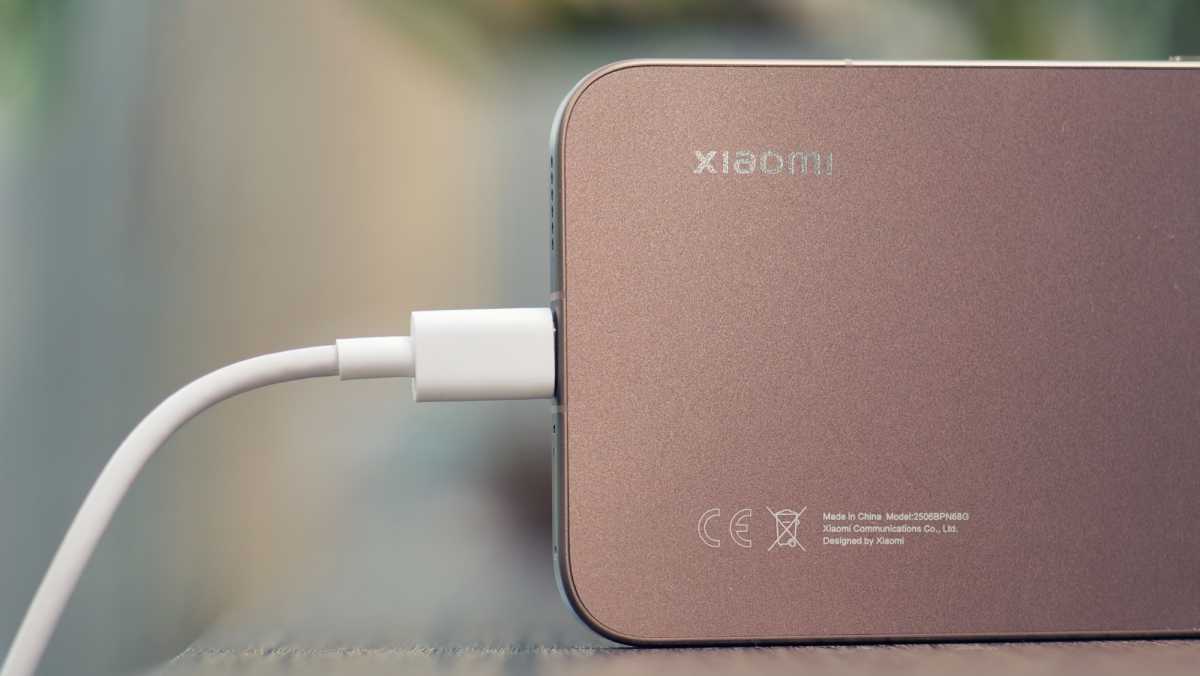
To put things into perspective, I regularly get close to 11 hours of screen-on time on the Xiaomi 15T Pro. That easily translates to two days of battery life, and sometimes even three days with lighter usage. The phone packs a 5,500 mAh battery and supports 90W wired charging, which takes it to 100 per cent in roughly 30 minutes.
Luke Baker
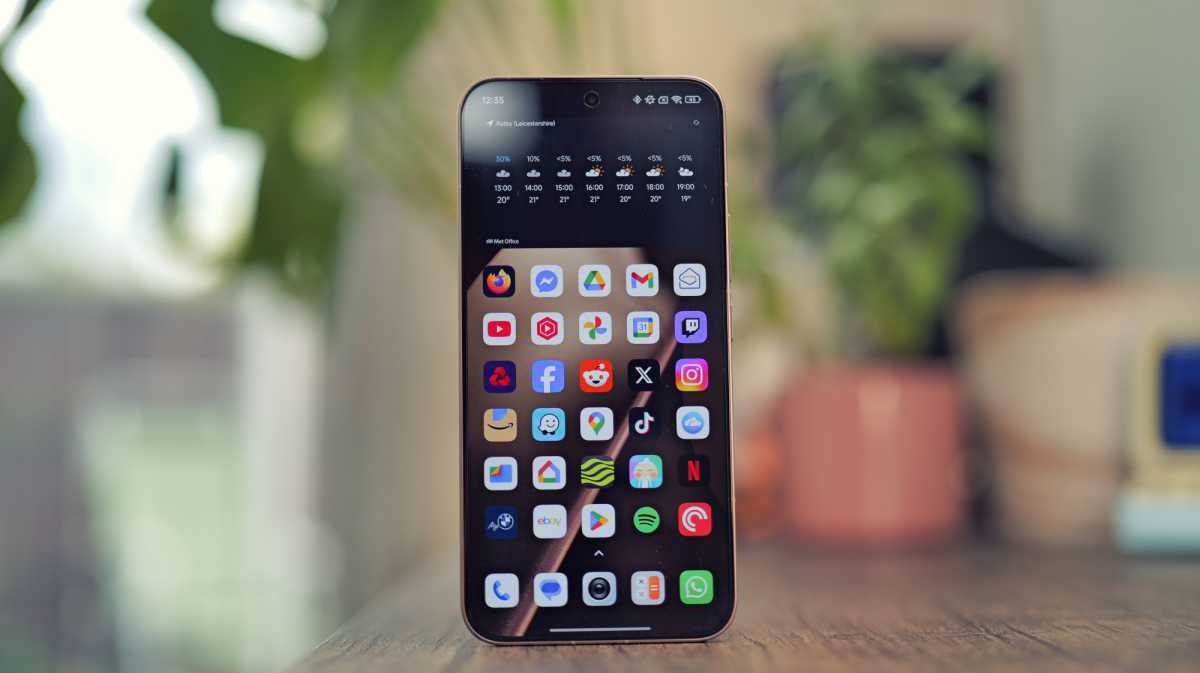
The display is another area where the difference is immediately noticeable. The Xiaomi 15T Pro uses a 144Hz panel that can hit up to 3,200 nits of brightness. Even compared to the iPhone 16, and in some cases the iPhone 17, it feels noticeably better outdoors. In bright sunlight, I can clearly see what’s on the screen without squinting or adjusting angles, which is something I still struggle with on the iPhone.
Using an Android phone alongside Apple products is no longer the compromise it used to be
So if I’m getting all this hardware on a phone that costs roughly the same as the latest vanilla iPhone, the ecosystem pull alone is no longer a strong enough reason for me to stay. On top of that, Android brands, especially Xiaomi, have started to slowly breach Apple’s walled garden.
Android to Apple interconnectivity has improved
Using an Android phone alongside Apple products is no longer the compromise it used to be. I’ve realized that the idea of having to choose one ecosystem and abandon the other doesn’t really hold up anymore. Apple has worked hard to keep certain features locked to its own devices, but Android brands have managed to breach those walls time and again.
Some are moving cautiously, others more aggressively, and right now, Xiaomi happens to be the one pushing hardest in this direction. A few years ago, I would not have imagined MacBooks and Android phones talking to each other this well.
Xiaomi’s Interconnectivity app is at the center of this shift. I discovered the app only recently, and it single-handedly pushed me to ditch the iPhone. The app is available to download for free from the App Store, and once installed, it acts as a bridge between the Xiaomi 15T Pro and your Mac.
Luke Baker
It brings back most of the convenience features I used regularly between my iPhone and Mac. The most important one is AirDrop. The Xiaomi 15T Pro has a feature called Xiaomi Share, which, as the name suggests, lets you share files between devices. It supports iPhones, Macs, and a wide range of Android phones. The workflow feels familiar. You select the share option, choose the device, and the file is sent at speeds that are very close to Apple’s own implementation.
A few years ago, I would not have imagined MacBooks and Android phones talking to each other this well.
Because this is a local connection and not cloud-based, you get faster file transfers, lower latency, and better reliability. You do need to keep the Xiaomi Interconnectivity app open for it to work. Once you send media, it gets saved directly on the target device without needing manual acceptance. You can also send files straight from your Mac to Xiaomi devices without plugging in cables or relying on third-party tools.
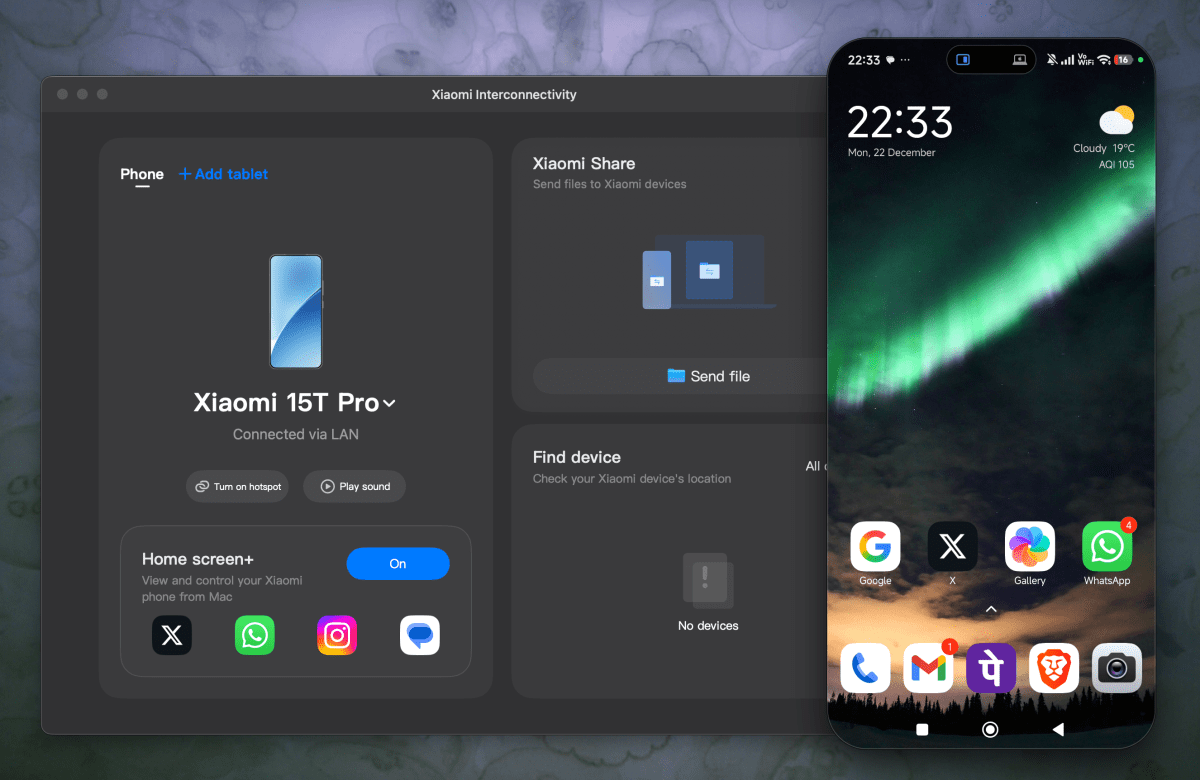
The feature I thought I would miss the most after ditching the iPhone was mirroring it to my Mac. With iPhone Mirroring, you can wirelessly interact with your iPhone apps and notifications from macOS. It turns out Xiaomi offers the same capability through its Interconnectivity app.
Anurag Singh / Foundry
It lets me run phone apps directly on my MacBook with proper multitasking support. These are not clunky mirrored sessions. The apps behave like regular windows that sit alongside other Mac apps, making the phone feel like an extension of the larger screen rather than a separate device I constantly need to pick up.
Xiaomi has also addressed the usual pain points around security and usability. With cross-device unlocking, you can unlock Home screen+ using Touch ID or Face ID on your iPad. Once it is set up, there is no repeated authentication dance each time.
Even basic connectivity has been smoothed out. I can connect my Mac to my Xiaomi phone’s hotspot with a single tap, and if I misplace my phone, I can quickly locate it from the Interconnectivity app on my Mac without digging through settings or relying on third-party tools.
Switching to Android is easier than ever
Switching from an iPhone to Android felt like a bigger leap in my head than it actually was. Yes, you give up a few Apple-exclusive comforts, but most of them have workable alternatives now. Some are built directly into Android, while others come from software layers that brands add on top of the OS.
Switching from an iPhone to Android felt like a bigger leap in my head than it actually was
What surprised me most was how little friction I experience day to day. My MacBook is still my primary device, and my Apple TV is still plugged in – none of that changed. What did change is that my phone now lasts longer, charges faster, and feels like better value for the money I paid.