
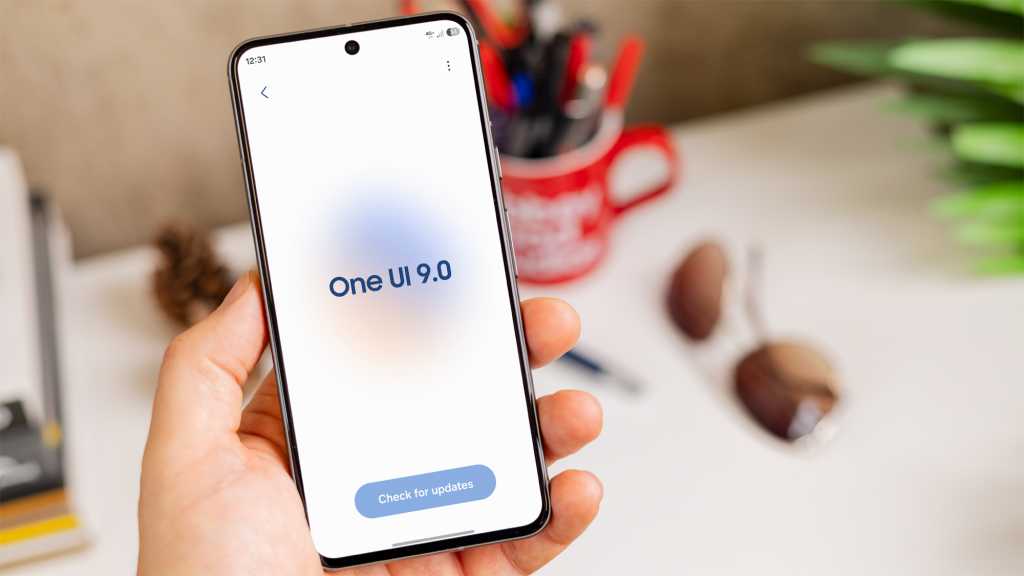
What’s the actual point of One UI 9?
Before I installed the beta of Samsung’s upcoming Android 17 skin, that’s the question I was asking myself. Sure, the small tweaks and minor customisation additions were appreciated, but a whole new version? That felt like scraping the barrel.
After being seriously underwhelmed by Android 17 on my Pixel 10 Pro XL, I assumed it was more of the same here. And I was right – for the most part.
However, after my three weeks of using One UI 9 on the Galaxy S26, I’ve realised the true game-changing potential of one feature. And it redeems the entire update.
Some genuine downtime
Managing mindless internet use on a smartphone can be challenging. Many of the apps we use every single day are a double-edged sword: they offer vital connection and access to incredibly useful information, yet are designed to be addictive, to keep us scrolling.
The “solution” that many services offer is an outright ban. However, the “forbidden fruit” effect shows that banning things often makes them more appealing. It also encourages circumvention – something that’s remarkably easy with some blockers.
That’s where One UI 9’s new ‘AI Network Guard’ feature comes in. Instead of simply blocking apps, it full-on disables the internet connection when you try to open a restricted app.

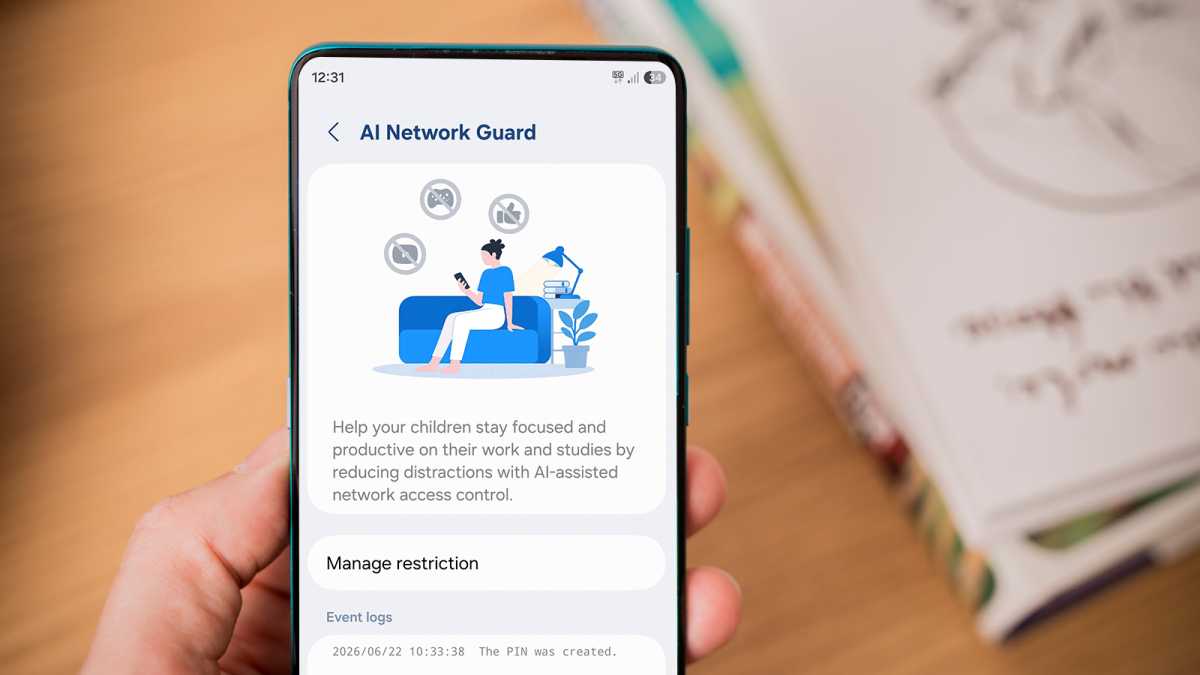
Foundry
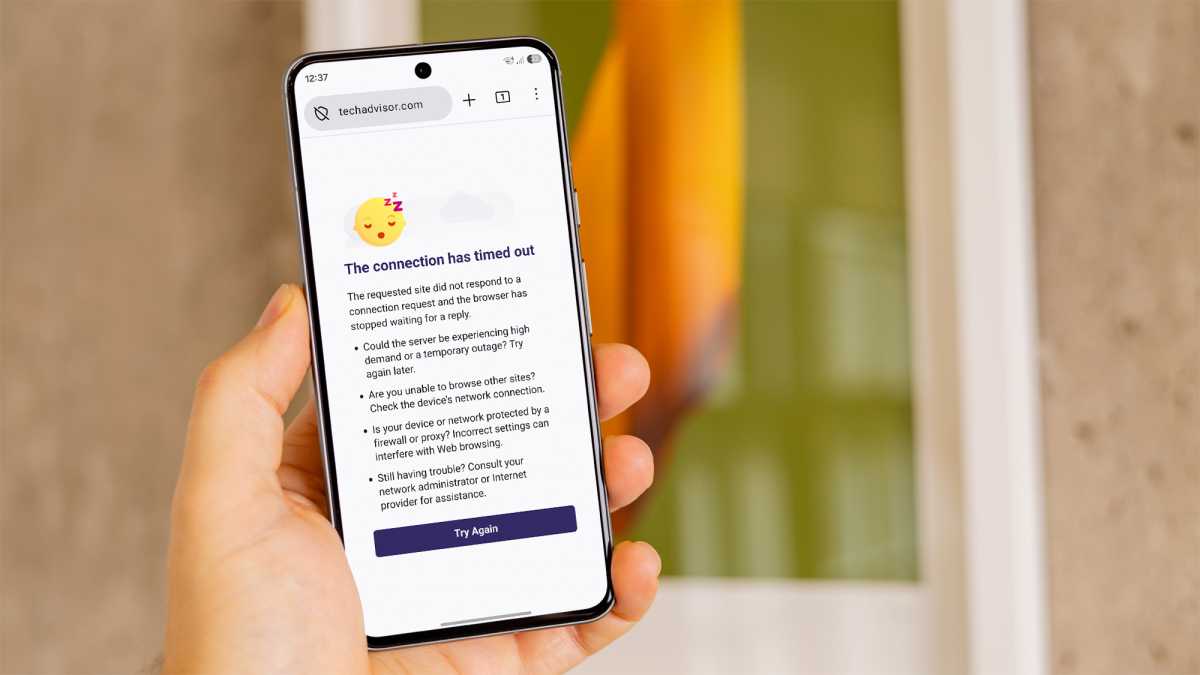
Many of the most alluring apps, including social media, email clients and web browsers, are totally reliant on the internet to function. By disabling it, you’re stripping the app of its addictive power, yet leaving crucial tools elsewhere on your phone unaffected.
To start browsing, I have to be intentional and fully committed to the task at hand
I’ve found it to be extremely effective. While I’ve deleted all social media from my phone, I often tap Firefox out of habit, desperate for a quick hit of dopamine. If the One Sec app’s pop-up doesn’t stop me, AI Network Guard almost certainly will. In other words, to start browsing, I have to be intentional and fully committed to the task at hand, which is exactly how it should be.
If you want to keep TikTok or Instagram on your phone but limit use to specific times, it could be even more effective. A web browser might be necessary at times during the day, but there’s probably no good reason to be scrolling social media when you’re meant to be working.
Foundry
However, to say that AI Network Guard is hidden would be an understatement. It’s buried deep within Settings > Connections > Wi-Fi, requiring you to tap the three dots in the top-right corner, then ‘Intelligent Wi-Fi’ five times to enable the ‘Connectivity labs’ feature.
From there, you need to set a password, then choose your distracting apps and a ‘downtime’ schedule for automatic restrictions.
I love the fact it can restrict all browsers and/or games, meaning you can’t just head to the Play Store to get around it. That’s exactly the sort of thing I’d usually try. And while being buried within settings makes it easy to miss, it also makes the process of removing restrictions feel arduous. If you’re anything like me, this extra friction will be enough to stop you.
With AI Network Guard, One UI 9 is a must-have in a way that Android 17 on Pixel phones simply isn’t
However, AI Network Guard currently has a fatal flaw: it’s too inflexible. By having the same schedule every day, you ignore the realities of people’s lives.
At its most basic, a lot of people would want to avoid distracting apps during the week, yet loosen the restrictions at the weekend. Currently, this is totally impossible, and it’s a major oversight by Samsung.
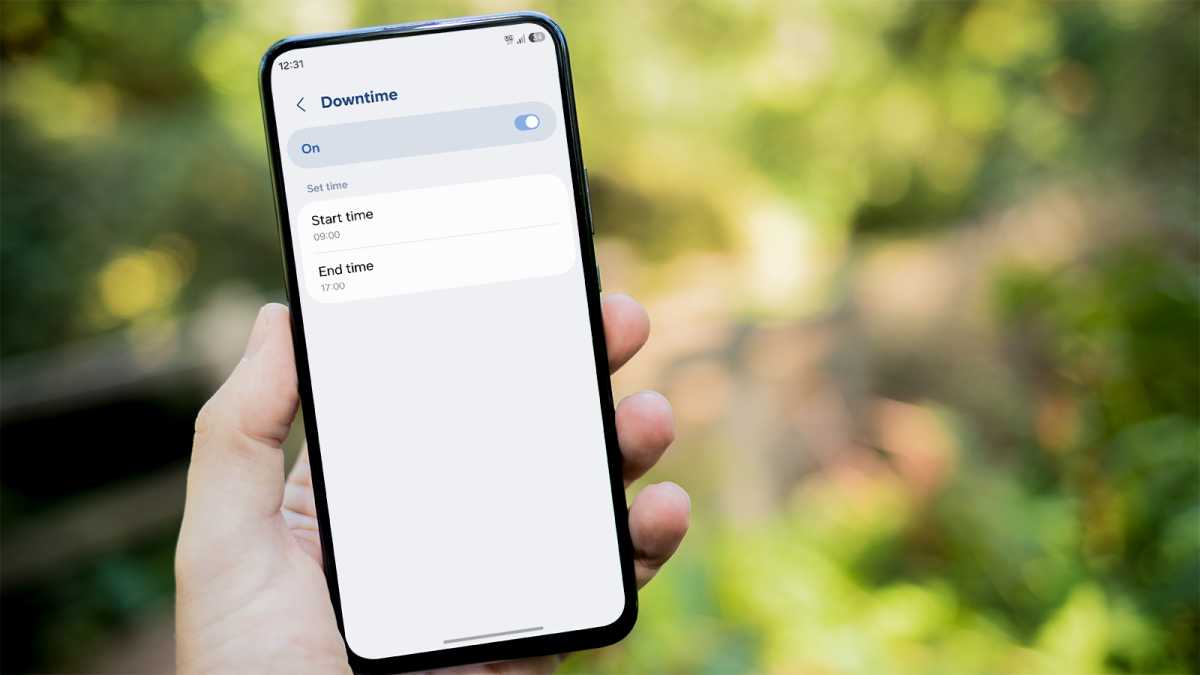
Foundry
With a simple scheduling tool (which Samsung has already implemented across multiple One UI apps), AI Network Guard could be the game-changing screen time tool many parents (and adults) have been waiting for.
Don’t care about screen time? Don’t bother
In my view, AI Network Guard is the only reason to download the One UI 9 beta right now.
As usual, there are dozens of ‘new features’, but these amount to nothing more than a lick of paint and some new customisation options.
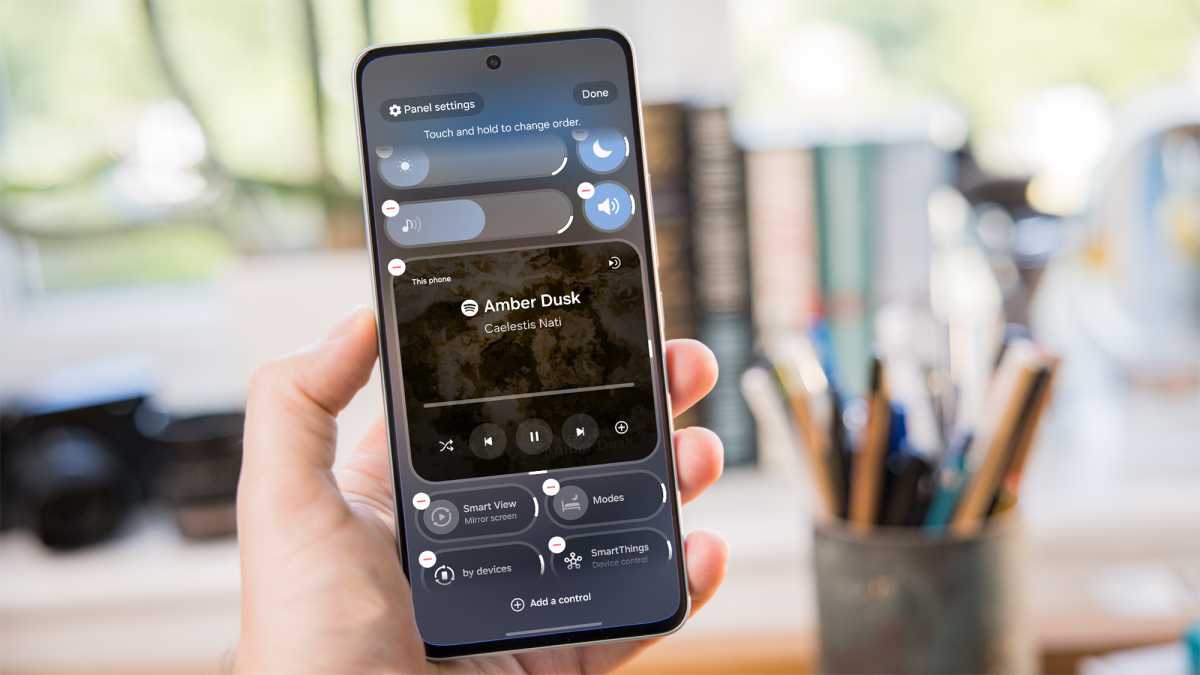
There are new clock styles on the lock screen. ‘Tape’ to redact information in Samsung Notes. Thicker quick settings buttons and toggles. Oh, and you can now change the size of the media player in the quick settings panel. Truly groundbreaking stuff.
Foundry
There are several dozen additions in total, but from testing One UI 9 for the last three weeks, I genuinely couldn’t tell you what they are. I think that says everything you need to know about their significance.
I thought Samsung was following the Android 17 playbook, focusing exclusively on minor tweaks and small quality-of-life updates. But with AI Network Guard, One UI 9 is a must-have in a way Android 17 on Pixel phones simply isn’t.
One UI 9 is expected to debut on the Galaxy Z Fold 8, Z Fold 8 Ultra and Z Flip 8 on 22 July, before rolling out to all compatible Samsung Galaxy phones in the coming months.
If you absolutely can’t wait, the beta is available on all Galaxy S26, S25 and S24 handsets now.