






If you don’t switch your smartphone off at night, but leave it on standby on your bedside table, then you should pay close attention. This is because your mobile phone can continue to receive and send data without you knowing.

Some of this data transfer is necessary to ensure that the device remains up to date – a security patch or even a new OS version. However, some of the information sent is anything but necessary.
Marijus Briedis, CTO of NordVPN, told TechRadar that smartphones also transmit tracking or advertising-related data signals. This includes personal data that should not be transmitted without explicit consent.
What your phone gets up to at night
Your phone isn’t just recharging like you are.
The data that a smartphone transmits in a continuous loop can be divided into two categories: legitimate data that maintains the functionality of the device, and sensitive data that is used for tracking, advertising and other purposes.
It is not always clear which data falls into which category. For example, if your device sends diagnostic data and reports to the manufacturer or app developers, this may be necessary and important. However, it usually also requires your consent.
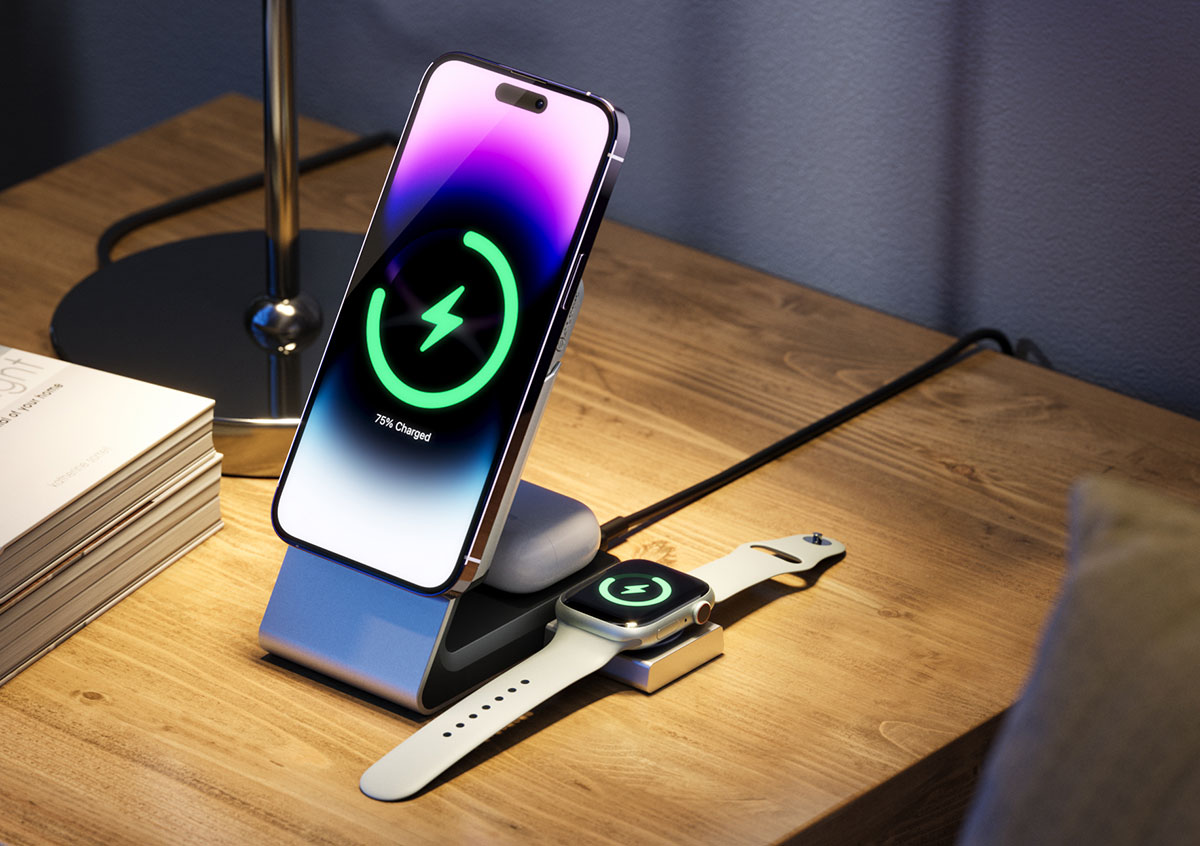
Alogic
In addition, smartphones transmit a lot of other information, including your location, device and advertising IDs, usage patterns and other data that is combined and used to create detailed profiles and deliver targeted advertising that promises a higher success rate.
As early as 2025, it emerged that Android users were being specifically spied on by large companies such as Meta and Yandex. And there has long been evidence that smartphones are always “listening in” and displaying advertisements to their users the next day that “coincidentally” match exactly what they said.
However, there have been no real consequences since then. Most smartphones still work this way and it’s not surprising, but there are ways to limit the sharing of data.
How to protect yourself
To reduce the sharing of background data, you should check the permissions of your installed apps.
Apps that have access to your location, microphone, camera and tracking data are particularly vulnerable. Only allow apps to use this data and these functions while they are actively in use (however, there are also apps that run constantly in the background – you should be particularly careful with these).
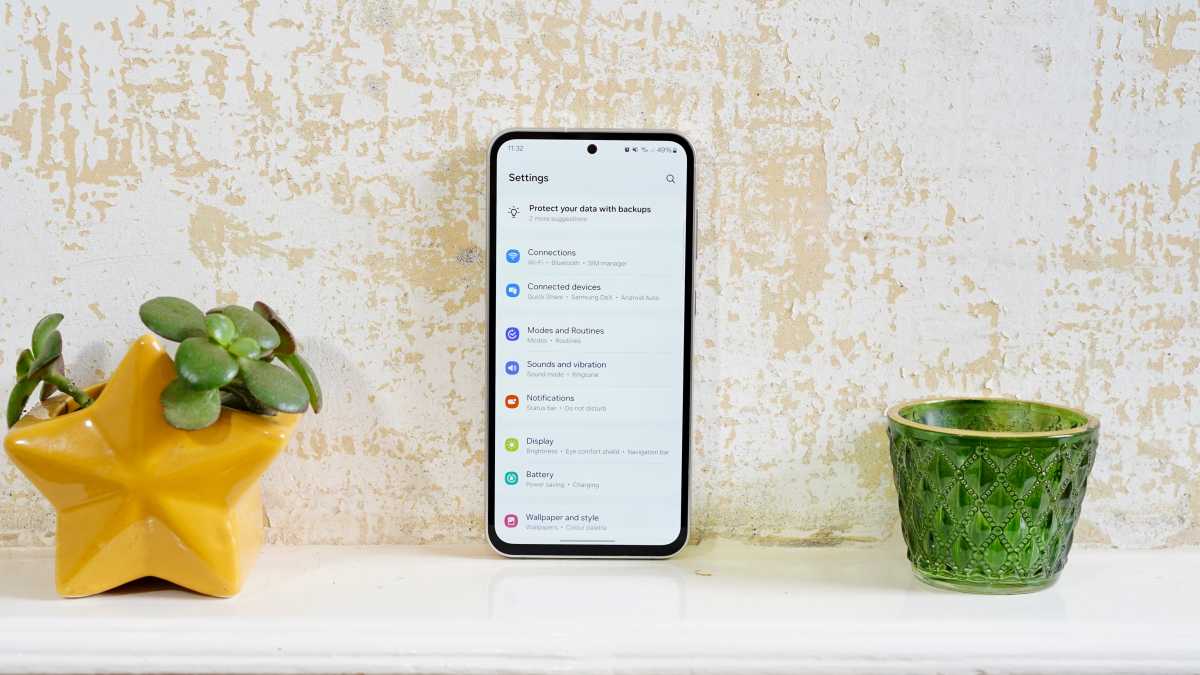
Head to Settings > Security & Privacy > Permission Manager (or similar).
Jon Mundy / Foundry
In addition, you can disable background refresh on both iOS and Android. This also restricts automatic synchronisation for cloud backups. If you rely on this feature, it is best to weigh up the costs and benefits.
Ideally, you should also disable personalised ads. On Android devices, you can find this setting under Google Services > All Services > Advertising. Here you can also reset your advertising ID.
As an additional protection, a VPN service can also help to reduce tracking and data sharing.
And if you are concerned about your smartphone sharing data, especially at night, it is best to switch it off completely (which you should do regularly anyway) or at least put it in flight mode.